Side project · Self-hosted service · 2026
RSS feeds compiled into EPUB editions.
RSS Books is a self-hosted service for reading RSS articles on an e-reader. You can subscribe to feeds, choose articles, and compile them into a dated EPUB with a cover, sectioned table of contents, and a stylesheet tuned for six-inch greyscale screens. It can send editions to a Kindle by email, while KOReader, Kobo, Boox, and other readers can retrieve them from a built-in OPDS catalog. The core service runs in one container with one FastAPI process and one SQLite file. Email delivery needs an SMTP account, and the optional extraction fallbacks call Tavily or Jina Reader.
Why this problem
I wanted to choose a few articles from my RSS feeds and read them on an e-reader without paying for another subscription. Existing tools covered parts of that workflow. KindleEar and Calibre recipes can send feeds automatically, while services for building hand-picked digests generally cost $36 to $120 a year. Several free options also closed: Omnivore shut down in late 2024, Pocket followed in 2025, and Instapaper moved Kindle digests behind its paywall. The two biggest self-hosted RSS readers have declined to build Kindle export for years.
RSS Books fills that gap by producing a finite, dated edition from articles you select. The queue lives on the server, so you can choose articles on a phone and compile the edition later from another device or on a schedule.
Deployment and storage
I wanted the service to have few moving parts. One FastAPI process hosts the API, an in-process asyncio scheduler, background EPUB builds, and the static-exported Next.js UI, served same-origin so there is no CORS anywhere. State is a single SQLite file plus an EPUB directory on one volume; schema changes ship as an ordered migration ladder keyed off SQLite's user_version, so an image upgrade migrates a year-old database in place at boot.
The one wrinkle worth its complexity: the container runs a second listener on :8443, because some e-reader OPDS clients refuse to speak plain HTTP. Both servers share the same app object in one process, and a guard on the lifespan keeps the scheduler from starting twice.
feeds → poller (etag/backoff) → articles → [you pick] → queue
  → digest service → extract/sanitize → images (cached, device-fit) → EPUB (cover/TOC/css)
  → download · OPDS catalog · SMTP → your reader
From feed to reader in one process: polling, hand-picking, extraction, device-fit rendering, and delivery are stages of a single pipeline over one SQLite file.
- feed_poller
- scheduler
- article_fetcher
- content_extractor
- sanitizer
- image_pipeline
- table_renderer
- epub_builder
- cover
- emailer
- opds
- net_guard
Choosing articles
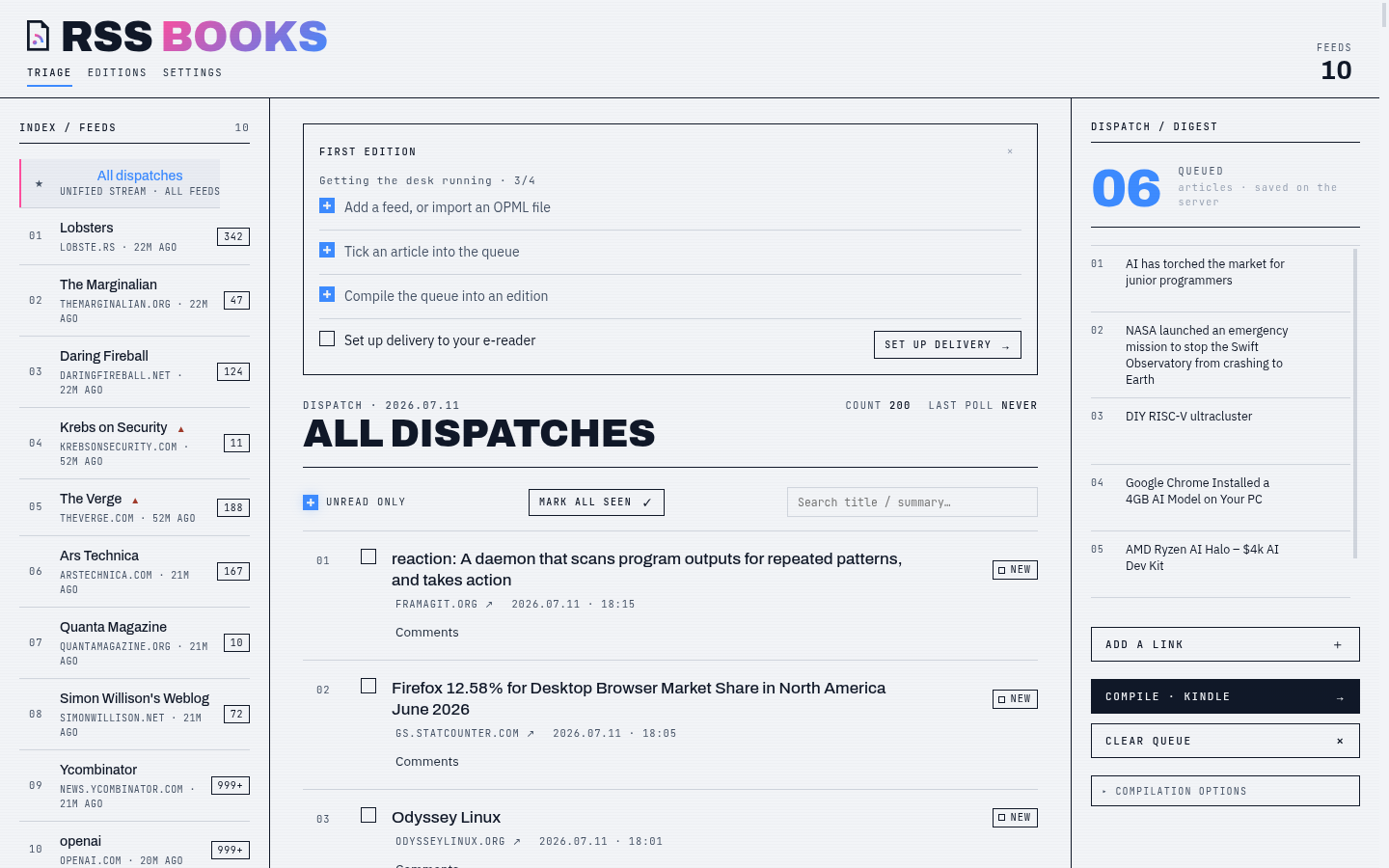
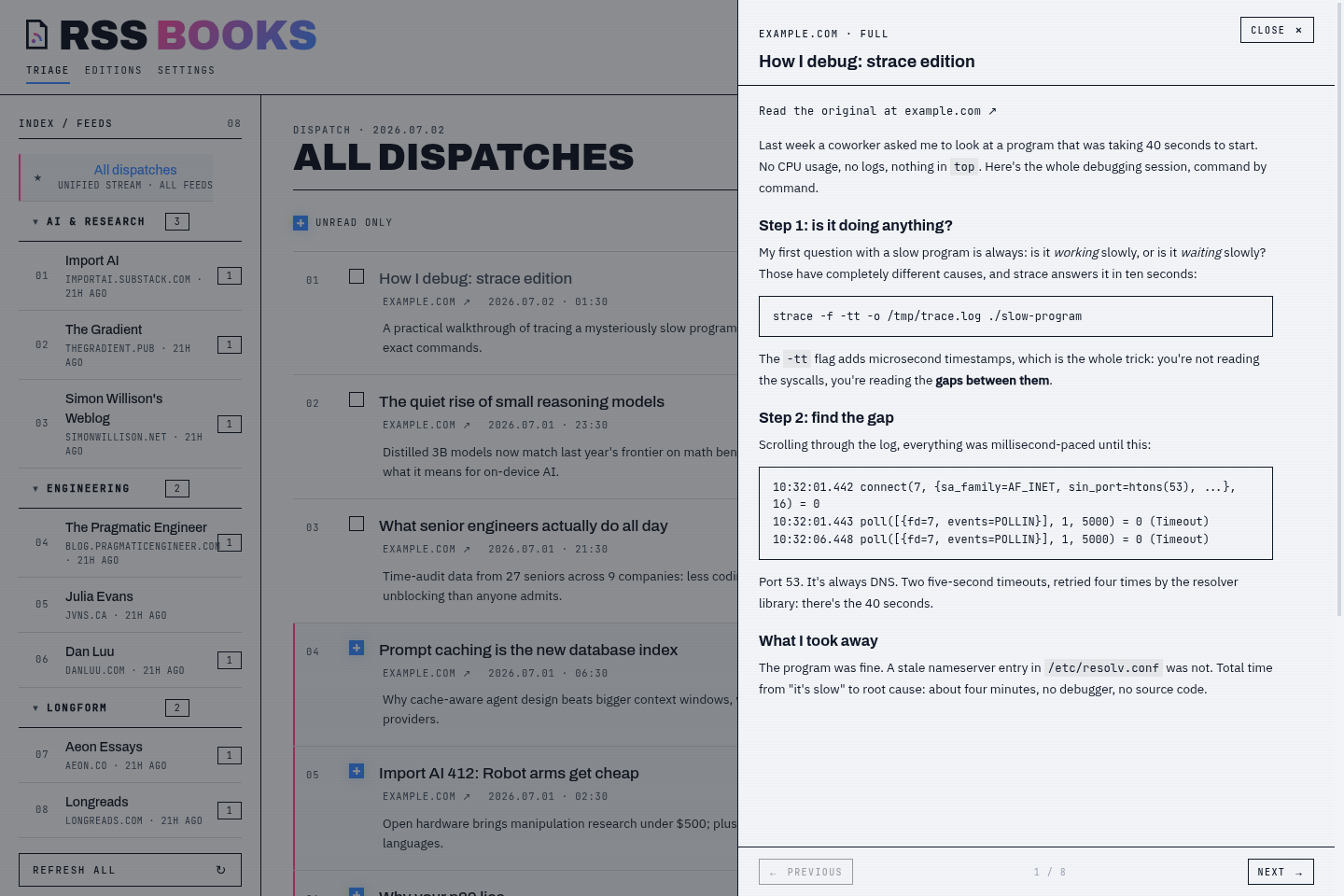
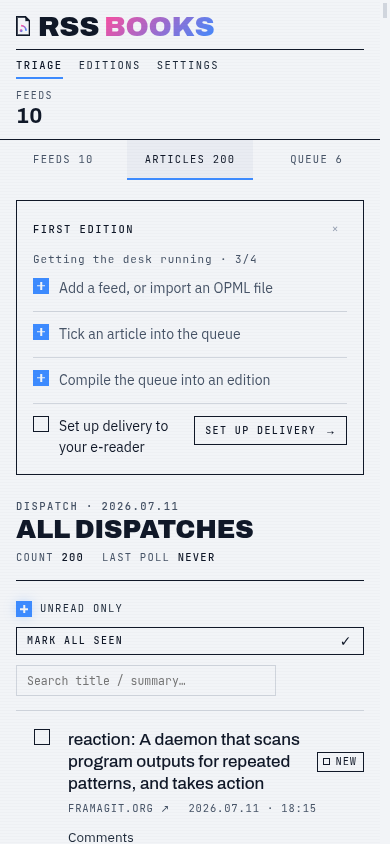
The triage screen is built for skimming. You can expand an article inline to read the extracted text, add it to the queue, and move to the next one. Articles have a lifecycle (new → seen → queued → in edition), so a quick preview does not mark them as finished. The queue is server-side state, so you can pick articles on your phone and compile the edition later from any machine.
An optional press deadline compiles whatever is in the queue on a daily or weekly schedule, like a Friday paper where you still chose every article. The failure cases are handled quietly: an empty queue skips the edition rather than erroring, a failed compile lands as a visibly failed edition you can re-press by hand, and a deleted device profile is dropped rather than blocking the schedule.
Adapting output to each reader
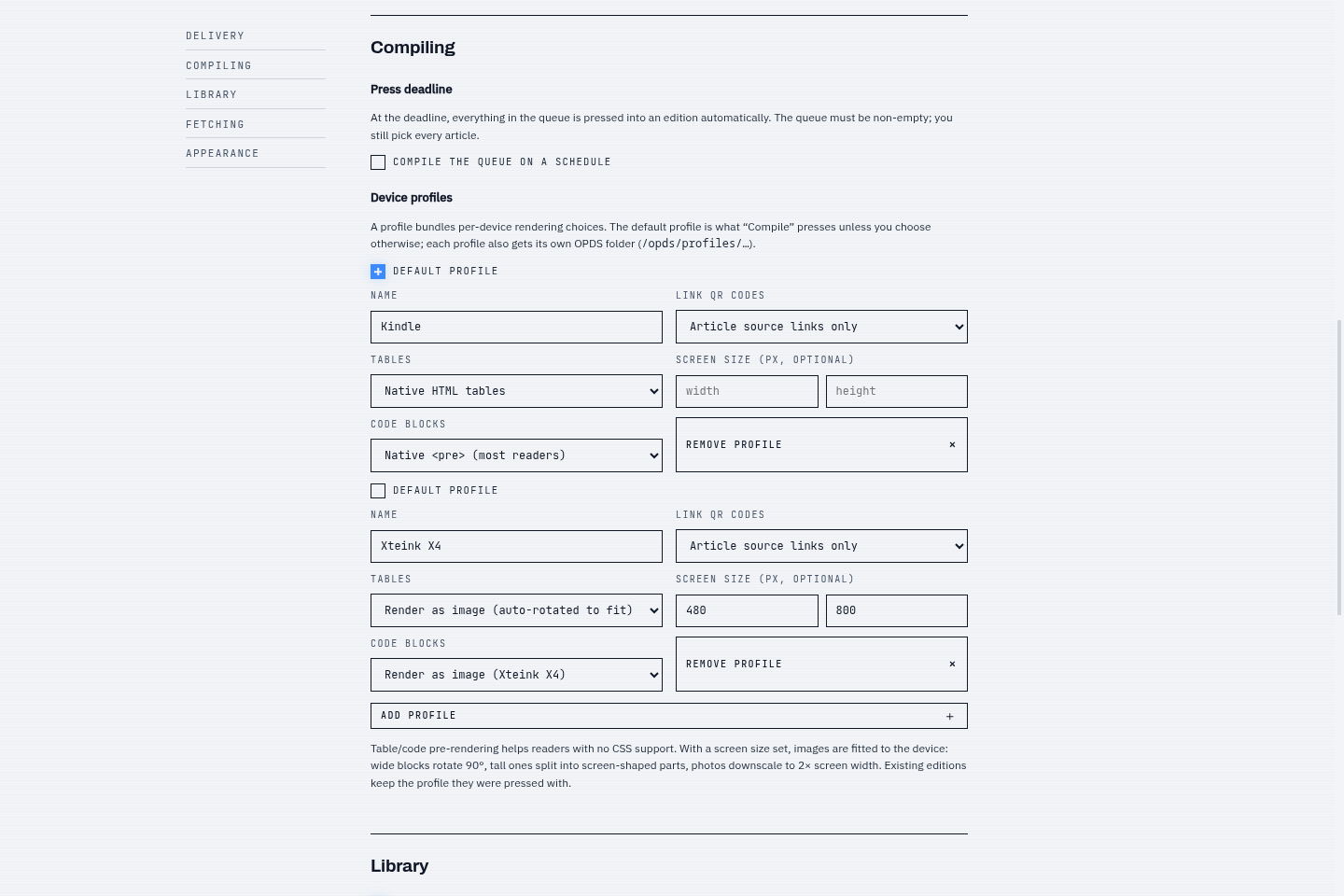
Budget e-ink readers vary widely in what they can render. Testing on a pocket Xteink X4 showed its engine ignores CSS and legacy size tags, collapses tables into a vertical stack of cell text, and clips long tokens instead of wrapping them, so every text-based approach I tried failed. RSS Books lets you describe each device with a render profile: screen pixels, table mode, code mode. At press time, tables and code blocks that can't survive as text are drawn as images at twice the screen's resolution so the reader's downscale stays crisp; blocks wider than the portrait screen rotate 90° to borrow the long edge; blocks taller than the screen split into screen-shaped pages. Photos are downscaled to what the glass can actually show, and every downloaded image is cached on disk so recompiling an edition never re-fetches.
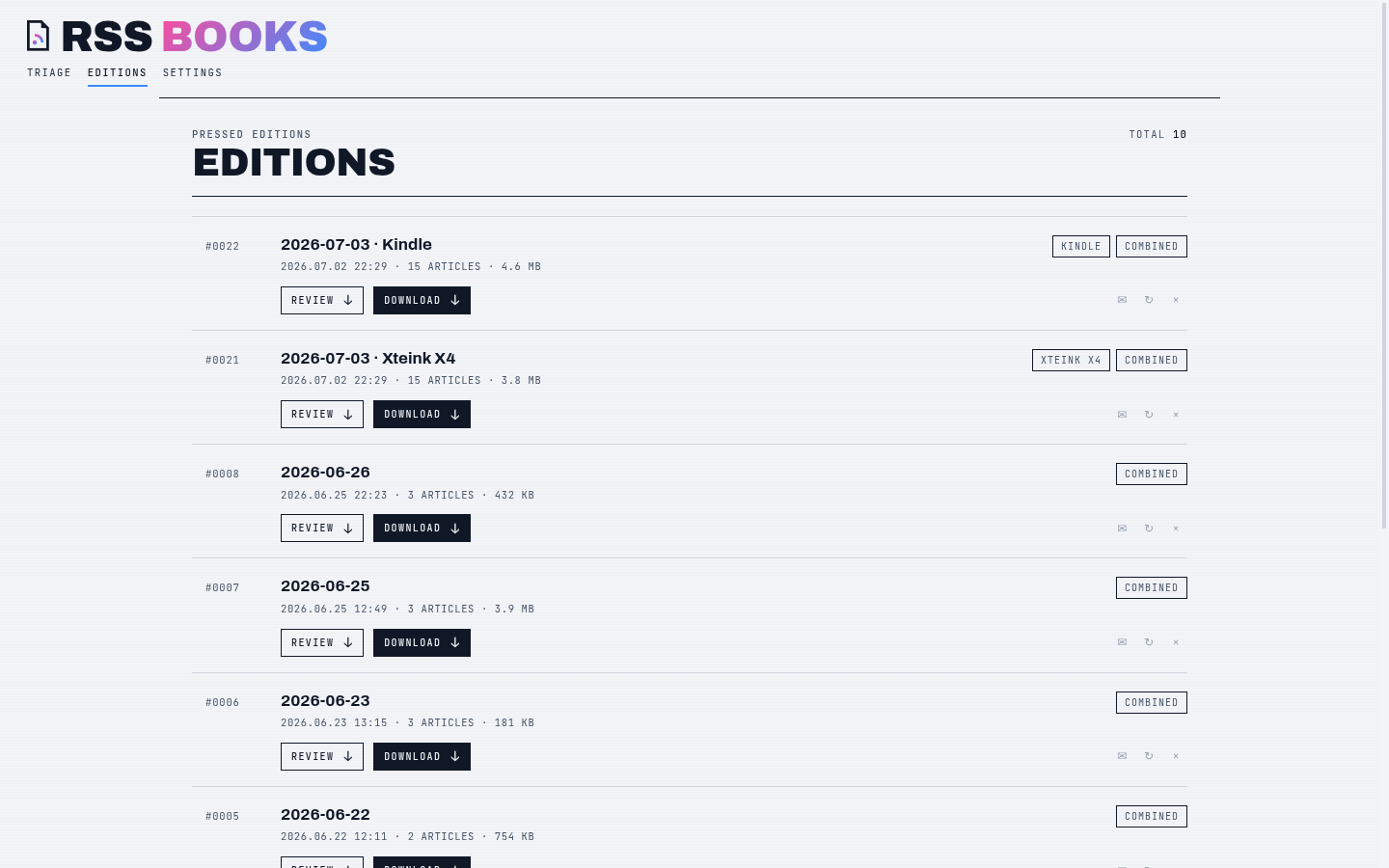
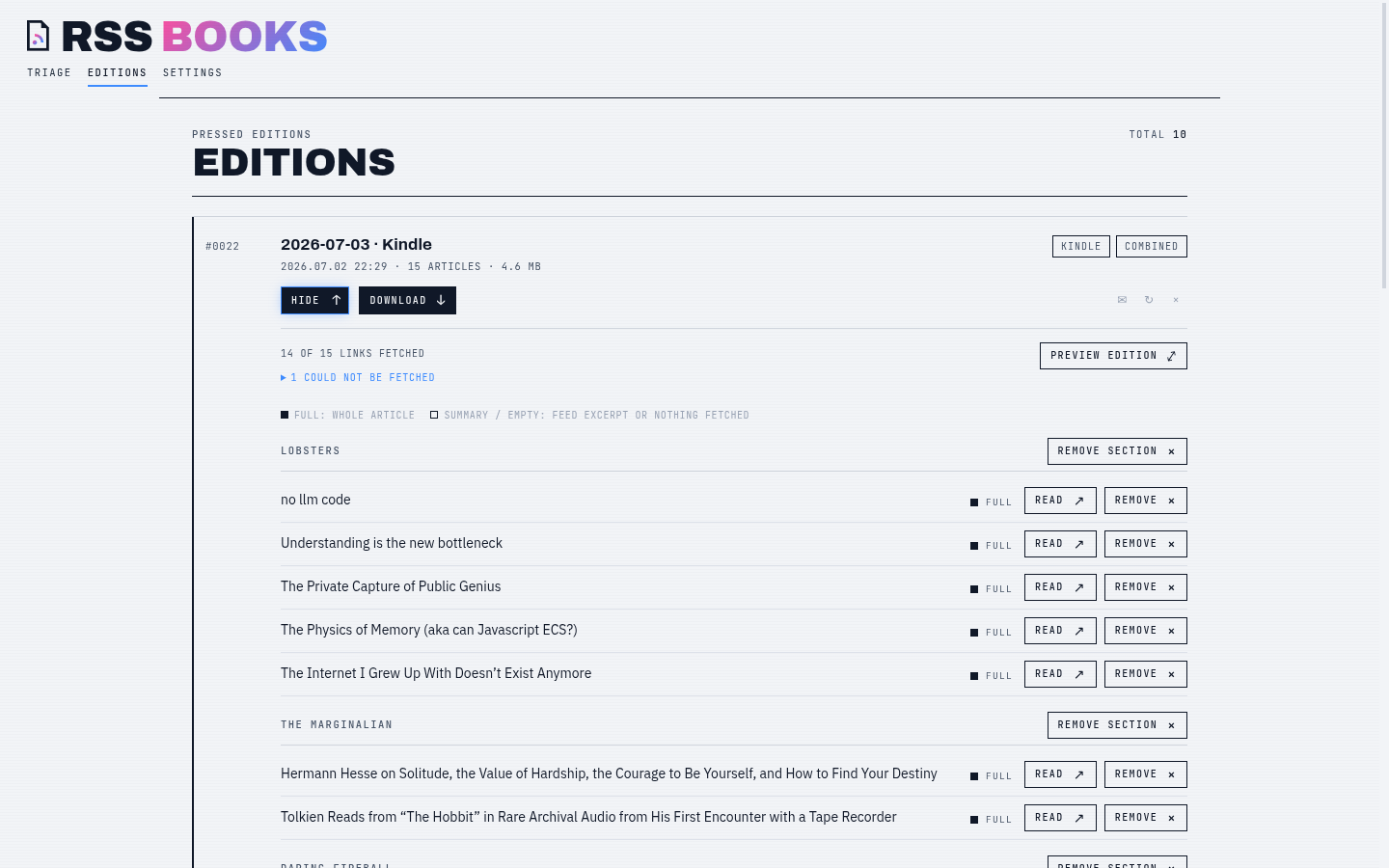
One compile can press one edition per profile. In one development run, the same 15 articles produced a 4.6 MB Kindle edition and a 3.8 MB Xteink edition; those sizes depend on the articles and profile settings. To catch EPUB compatibility problems, CI runs the output through the epubcheck validator. Every run builds a fixture edition covering the riskier surfaces (a table, a code block, an embedded image, CJK-and-emoji text, a cover) and passes it through epubcheck. A malformed book fails the build, not the reader.
Delivery options
Kindles get editions by send-to-Kindle email: an in-app wizard collects SMTP details, links straight to Amazon's approved-sender settings (the step that trips most people up), and sends a test email. Attachments are capped at 45 MB, which leaves headroom under Amazon's documented 50 MB gateway limit. Everything else pulls from the built-in OPDS catalog: KOReader, Kobo, Boox, Calibre, and jailbroken Kindles all speak it, with optional Basic auth since readers hit the catalog from other devices, and per-device folders so a reader browses straight to editions pressed for its profile.
The CrossPoint firmware required an extra compatibility feature because its OPDS client refuses plain HTTP, which is reasonable on the open web and awkward for a LAN box with no domain name. So the container also serves HTTPS with a self-signed certificate generated on first boot. Two details matter on real hardware: LAN IPs can be embedded as subject-alternative names for clients that verify hostnames, and the validity window is deliberately backdated to 2020, because e-readers with dead clocks otherwise reject certificates that begin “in the future.”
Under the hood
Fetching and network safety
A feed aggregator is a server that fetches whatever URLs strangers publish. Since the app has no login screen, a malicious feed could otherwise make requests to your LAN or cloud-metadata endpoints. Every outbound fetch (feeds, article pages, images) therefore passes an SSRF guard: private, loopback, link-local, and reserved addresses are refused; hostnames are resolved and every address checked, failing closed; and the check re-runs on every redirect hop, wired into the HTTP transport for one client and re-implemented as manual hop-by-hop redirects for the impersonating client, which has no transport hook. The guard is configurable only by environment variable. A toggle in the UI of an unauthenticated app would let any LAN client switch it off. The module docstring also documents the remaining risk, TTL-zero DNS rebinding, and why I accepted it.
Fetching the articles has its own problems. Modern bot walls fingerprint the TLS handshake itself, so a spoofed User-Agent changes nothing; article pages are fetched with a client that impersonates Chrome at the transport layer, falls back to a pluggable external reader when a site still refuses, and degrades to the feed's own summary rather than failing the compile. Batch fetches run different hosts in parallel but space same-host requests about two seconds apart with jitter, so pressing an edition never hammers one domain. The backend test suite runs without public-network access: the scheduler uses an injected clock, HTTP uses mock transports, and integration fixtures come from a local static site.
What shipped
Tech stack
- Python 3.12 · FastAPI · uvicorn; SQLite via aiosqlite with
user_versionmigrations - feedparser (conditional GET + exponential backoff), trafilatura extraction sanitized through an nh3 allowlist
- ebooklib EPUBs, Pillow covers and table/code rasterization, segno QR codes
- curl_cffi browser impersonation; aiosmtplib delivery; cryptography for the self-signed listener
- Next.js static export served by the API (one container, no CORS); strict mypy, ruff, pytest, and an epubcheck gate in CI
Design decisions
- One process, one SQLite file, nothing else to operate
- Curation over automation: nothing ships that you didn't tick
- Fit the book to the device at press time, don't hope the reader honors CSS
- SSRF guard on by default and env-only, because the app itself is unauthenticated
- Validate against the real epubcheck in CI, not a hand-rolled approximation
What I'd do next
- Turn on
--failonwarningsfor the epubcheck gate - Optional auth for the web UI itself, so LAN-only stops being a hard requirement
- Feed ingestion from the readers people already run, with miniflux/FreshRSS APIs as sources